Fast
A document comes back in a fraction of a second, so you can generate it while the customer is still on the page.
PDF API for developers
A PDF API for invoices, contracts, reports and labels. Write a template once, send your data, and get a document back in a fraction of a second, in any language and currency.
Free plan: 25 PDFs a month. No card needed.
curl https://api.rustedf.com/v1/render \
  -H "Authorization: Bearer $KEY" \
  -H "Content-Type: application/json" \
  -d '{
    "template_id": "0194f2c0-…",
    "locale": "en-US",
    "data": { "number": "2025-0142",
              "total": "12783.60", … }
  }' -o invoice.pdf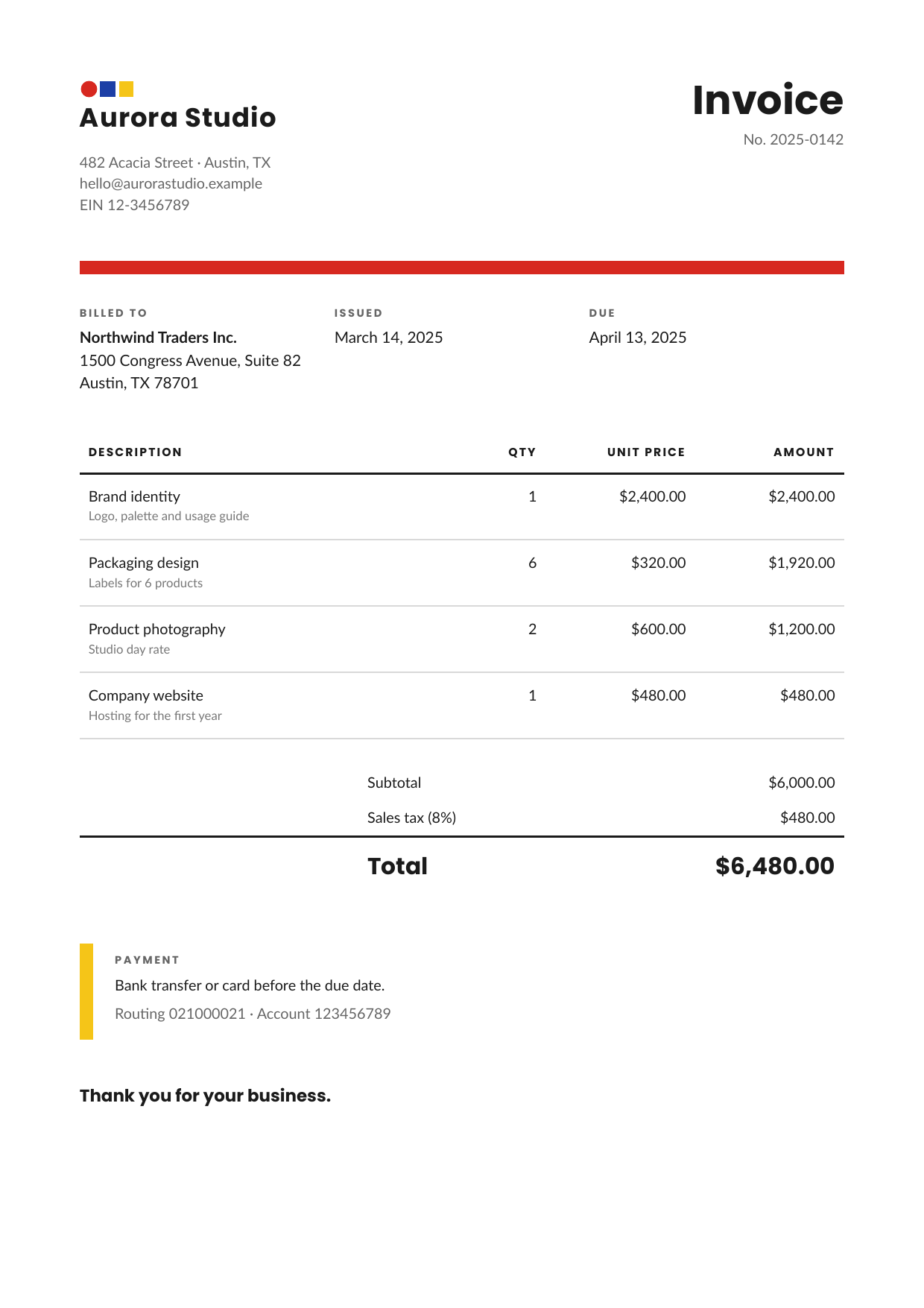
Documents for your customers, without running anything yourself.
A document comes back in a fraction of a second, so you can generate it while the customer is still on the page.
Build your template in the portal with a live preview, then reuse it for every invoice, contract or report.
Amounts, dates and numbers appear the way each customer expects, from a single template.
Send your data, get a PDF. It works from any language or tool that can make a web request.
One credit is one PDF. If a document fails, the credit comes back. Previews cost nothing.
Validate a document for free and see what to fix before it reaches a customer.
Your templates and images are yours alone. Keys can be revoked at any time, and files expire on their own.
Start free. Move to a paid plan when you need more, and pay per thousand beyond it.
Any document you build from data and send to a customer.
Line items that grow, taxes, totals in the customer’s currency, one template for every market.
Clauses that appear only when they apply, numbered pages and a signature block that stays together.
Tables that run across many pages with their header repeated, and totals that always add up.
Exact sizes, your own logo and a name or a code on every one, generated in bulk.
Plain HTML and CSS with a few placeholders. Build it in the portal with a live preview, or send HTML straight in the request.
One POST with the template id, a JSON object and a locale. Your API key stays on your server.
The PDF comes back in the response, or as a signed link that expires on its own.
Tell us the customer’s language and country with each request. Amounts, dates and numbers are written the way they expect to read them: separators, currency symbols, month names, even right-to-left languages.
One credit is one PDF. Failed renders, previews and validation never use credits.
Free
$9
per month
$29
per month
Prices are in US dollars, before tax. Payments are handled by Stripe. Need more than the Pro plan includes? Extra PDFs are billed per 1,000 at the rate above.
Anything you can lay out on a page: invoices, quotes, contracts, statements, reports, labels, tickets and certificates, with tables that continue over several pages, page numbers, headers and footers.
In the portal, with a live preview. You can also send your HTML straight in the request if you prefer to keep templates in your own code.
Yes. Upload it once in the portal and use it in any template.
The credit is returned and the response says why, so you can fix it and try again.
Your templates, images and account details, and the number of documents you make. Files kept for a download link expire on their own. We also keep notes about parts of your HTML and CSS that did not work, to improve the service.
More in the documentation.